
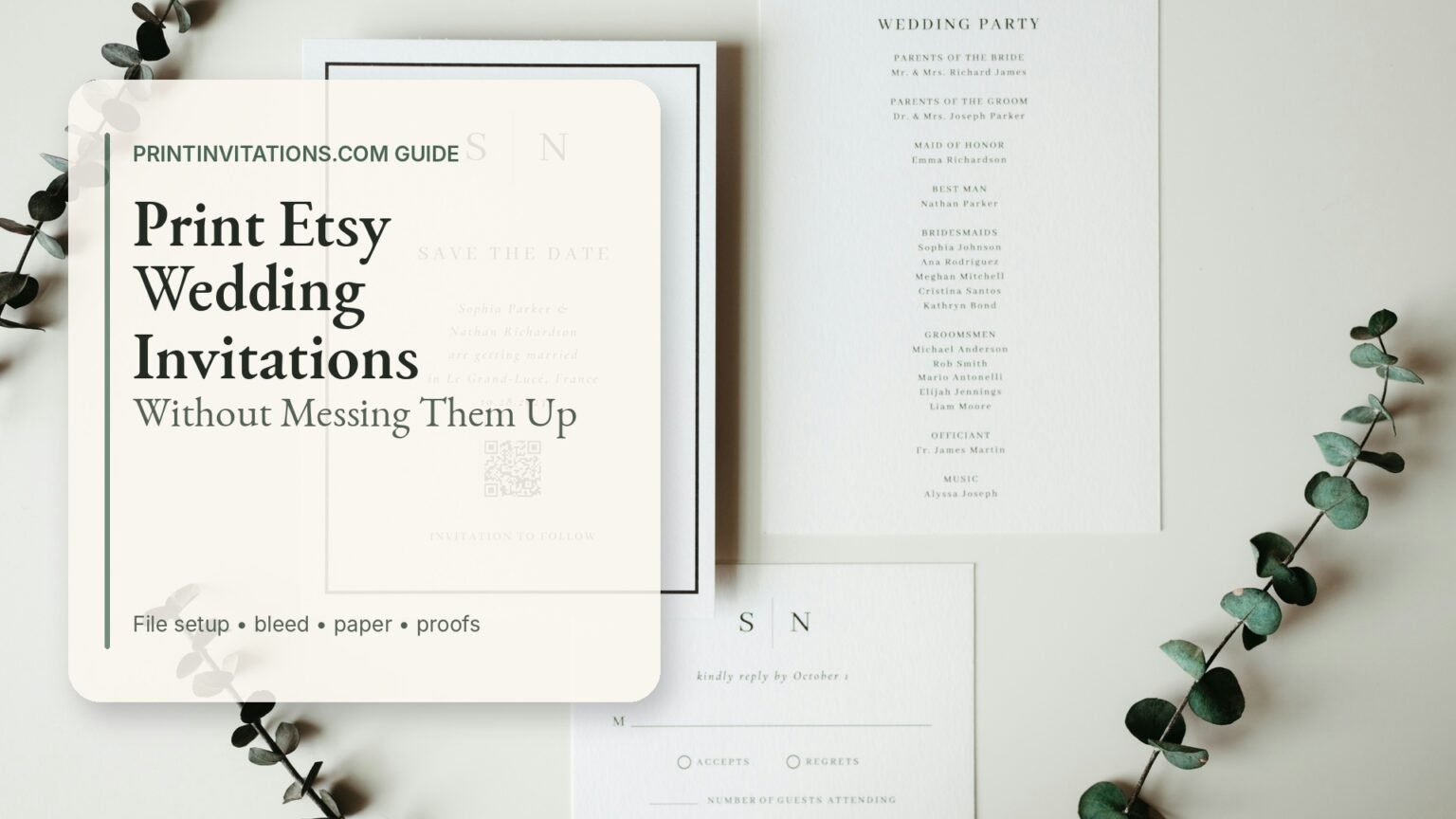
If you want to print Etsy wedding invitations without turning a beautiful template into a blurry, off-center, “well, we already paid for them” situation, the biggest thing is not the design. It is file setup.
Etsy wedding invitation templates can be a great way to get a custom-looking design without paying for full custom stationery. But they also put more responsibility on you. You are usually buying the design file, not a finished printed product. That means size, bleed, file type, paper, color, proofing and envelopes all matter.
The good news: this is very manageable. You do not need to become a print production wizard. You just need to slow down for a few minutes before ordering, which is apparently the hardest part of wedding planning after “finalizing the guest list.”
Start By Understanding What You Bought
Most Etsy wedding invitation purchases fall into one of a few buckets:
You may receive a print-ready file, usually a PDF, JPG or PNG.
You may receive an editable template link through Canva or another editing platform.
You may receive a digital item that the seller customizes for you after purchase.
You may receive multiple sizes, such as 5×7, 4×6, A7, A6 or square formats.
Before you upload anything to a printer, open every file and read the seller’s instructions. Yes, actually read them. Etsy invitation sellers often include a PDF guide that explains which file is for printing, which file is for texting and which file is just a preview.
The print file is usually the one labeled something like:
PDF Print
Print Ready
With Bleed
CMYK
High Resolution
Professional Printing
The file you do not want for professional printing is usually labeled:
Web
Digital
Phone
Text Message
Preview
Low Res
If you upload the wrong version, the printer can only do so much. A low-resolution JPG will still be a low-resolution JPG, even if everyone involved is very nice about it.
How To Print Etsy Wedding Invitations From The Right File
The safest file type for professional invitation printing is usually a high-resolution PDF. A PDF is more likely to preserve text, layout, crop marks and sizing correctly than a random screenshot or compressed image.
A JPG can work if it is high resolution and correctly sized. A PNG can also work for some designs, though it is more common for digital use. But if your Etsy seller gives you a PDF Print file, use that first.
For a standard 5×7 wedding invitation, your finished trim size should be 5 inches by 7 inches. If the design has color, pattern, photo or artwork running to the edge, the print file should usually be larger than 5×7 because it includes bleed. A common setup is 5.25×7.25 inches, which allows 0.125 inch of extra artwork on each side.
That extra artwork gets trimmed away. It is not a mistake. It is the buffer that prevents tiny white slivers at the edge after cutting.
If your design has a plain white background and nothing reaches the edge, bleed is less critical. If your design has a full-color background, photo, floral artwork, border or painted texture at the edge, bleed matters a lot.
Check The Size Before You Order
Do not assume every Etsy template is 5×7. Many are, but many are not.
Check the actual invitation size in the Etsy listing and in the downloaded file. Common wedding invitation sizes include:
5×7 inches
4.25×6 inches
4×6 inches
5×5 inches
6×8 inches
A7 card sizing
A6 card sizing
The most common U.S. wedding invitation size is 5×7, but your template may include several versions. Choose the size that matches the product you are ordering from the printer.
This is especially important if you are ordering envelopes separately. A 5×7 invitation usually pairs with an A7 envelope. A 4.25×6 invitation usually pairs with an A6 envelope. If you order the wrong envelope size, the invitation may either rattle around like a loose receipt or refuse to fit at all. Neither is charming.
Use Bleed Correctly
Bleed is the part of the artwork that extends beyond the final cut size. It gives the printer a little trimming room.
For most invitation printing, 0.125 inch of bleed on each side is the normal U.S. standard. That means a 5×7 invitation with bleed is often set up as 5.25×7.25 inches.
Here is the simple version:
Trim size is the final invitation size.
Bleed is the artwork that extends past the trim.
Safe area is the space inside the trim where important text should stay.
Keep names, dates, venue addresses, QR codes and RSVP details away from the edge. A good rule is to keep important content at least 0.125 inch inside the trim line, preferably more if the design has a delicate border.
Borders are the sneaky problem. A thin border that looks perfectly centered on screen can look slightly uneven after trimming. That does not always mean the printer did something wrong. Tiny cutting tolerances are normal. If you are using a border, make it thick enough to survive minor trim variation or keep it comfortably away from the edge.
If You Are Editing In Canva, Download The Correct Version
A lot of Etsy invitation templates are edited in Canva. Canva is great for this, but the download settings matter.
For professional printing, choose PDF Print when you download. If available, turn on crop marks and bleed. If Canva gives you a color profile choice, CMYK is usually the better professional print option, while RGB is mainly for screens.
Also check the design before downloading. Turning on bleed settings does not magically create missing artwork. If the background image stops at the trim line, the file still may not have usable bleed. The floral background, photo or color block needs to extend into the bleed area.
One more Canva tip: do not download the file, text it to yourself, save it from your phone, upload it through a random app and hope nothing changed. That is how files get compressed into sadness. Download the final PDF directly to your computer when possible.
Watch The Resolution
For print, 300 DPI at final size is the usual target. This matters most for photo-heavy invitations, watercolor artwork, scanned textures and detailed illustrations.
Vector text and simple shapes usually stay sharp in a PDF. Photos and raster artwork need enough resolution. If your invitation includes a big engagement photo, make sure the photo itself is high quality. A beautiful layout cannot rescue a tiny image pulled from social media.
Avoid screenshots. Screenshots are for sending your friend a “does this look weird?” preview, not for final wedding invitation printing.
Also avoid re-saving the file over and over as a JPG. Every round of compression can make the file a little worse. Save your editable design in the original platform and export a fresh print-ready PDF at the end.
Choose Paper That Fits The Design
Paper choice changes the way the invitation feels. It also changes how color and detail appear.
Smooth cardstock is usually the safest option for modern designs, fine type, clean layouts and photo invitations. It keeps text sharp and color clean.
Felt or eggshell stocks add texture. They can make romantic, formal and traditional designs feel more tactile. But heavy texture can soften very fine details, so be careful with tiny script fonts or delicate line art.
Pearlescent paper adds shimmer. It can look elegant with floral or formal designs, but it can also shift the way colors appear in the light.
Heavier cardstock makes an invitation feel more substantial. If you want the invitation to feel premium when guests pull it out of the envelope, paper weight matters.
For most Etsy templates, a smooth or lightly textured premium cardstock is the safest first choice. If the design has lots of tiny text, fine-line botanical art or a photo, lean smoother. If the design is simple, formal or typographic, textured paper can work beautifully.
Be Realistic About Color
Your printed invitations will not look exactly like your screen. That is normal.
Screens use light. Paper uses ink. Bright colors, neon tones, deep blues, vivid greens and very saturated florals can shift when printed. A phone screen also makes almost everything look brighter than paper ever will because paper, tragically, does not glow.
That does not mean the print will look bad. It just means color expectations should be reasonable.
A few practical tips:
View the file on more than one screen if color really matters.
Avoid judging color only from your phone.
Order a proof or sample if you are picky about shade.
Expect soft colors to print a bit more muted than they look on screen.
Be careful with very light gray, pale beige or thin gold-look text.
Digital “gold” is not metallic unless you order actual foil. A gold-colored ink effect can look nice, but it will print as flat color. If you want shine, you need a foil option, not just a gold-looking graphic.
Proof Everything, Not Just The Pretty Parts
A proof is where small mistakes go to die before they become 150 printed mistakes.
When reviewing your proof, do not just check whether the invitation “looks good.” Check the boring details. The boring details are where the expensive mistakes live.
Review:
Names
Date
Day of week
Ceremony time
Reception time
Venue name
Venue address
City and state
RSVP date
RSVP website or QR code
Meal choice wording
Hotel block details
Capitalization
Punctuation
Line breaks
Spacing around the edges
Have at least one other person review the proof too. Ideally, choose someone who is not already emotionally exhausted by linen colors, seating charts and whether the napkins are “champagne” or “warm ivory.”
Read the proof out loud. It feels silly, but it catches missing words.
Also check the date against a calendar. It is surprisingly easy to get the right date and wrong day of the week.
Do Not Forget The Back Side
Some Etsy templates include a front only. Some include a back design. Some include matching details cards, RSVP cards, menu cards, programs and thank you cards.
If your invitation has a back side, make sure you upload both sides and order double-sided printing. If you only upload the front, the back will be blank. Printers are good, but they are not psychic.
Also consider whether the back side adds value. A patterned back can make the invitation feel more finished. But if you are trying to control cost, a blank back is often fine.
For details that guests actually need, such as hotel information, transportation, registry wording or RSVP instructions, a separate details card may be more readable than cramming everything onto the back of the invitation.
Match Your Inserts
If you bought an Etsy wedding suite, you may have multiple pieces:
Main invitation
RSVP card
Details card
Thank you card
Menu
Program
Welcome sign
Seating chart
Before ordering, check that all pieces use the same color palette, font style and paper direction. Some suites include different sizes for different pieces. That is fine. Just make sure each item is ordered at its correct size.
For RSVP cards, decide whether you want guests to mail them back or RSVP online. If they mail them back, you need envelopes for the RSVP cards too. If they RSVP online, make sure the URL or QR code is clear and tested.
If you are using a QR code, print one proof and scan it from the physical card before ordering the full batch. QR codes can fail if they are too small, too low contrast or placed over a busy background.
Think About Envelopes Early
Envelopes are not the exciting part of wedding invitations, but they are very good at becoming annoying later.
Check three things:
Envelope size
Envelope color
Addressing plan
A 5×7 invitation usually needs an A7 envelope. If you have multiple inserts, belly bands, vellum wraps or thicker paper, make sure the envelope has enough room.
White and ivory envelopes are the safest choices. Colored envelopes can look beautiful, but dark envelopes may require white ink, labels or special pens for addressing.
Also decide whether you want printed guest addresses, return addresses or blank envelopes. Printed addressing can save a lot of time and keep the suite looking polished. Hand addressing can feel more personal, but only if your handwriting does not turn into panic hieroglyphics after envelope number 37.
Home Printing Vs Professional Printing
Can you print Etsy wedding invitations at home? Sometimes.
Should you? Depends on your printer, your paper, your patience and your tolerance for paper jams.
Home printing can work for simple designs, small quantities and white cardstock. It is less ideal for full-bleed designs, heavy cardstock, textured paper, dark backgrounds, photo invitations or anything with very precise borders.
Professional printing is usually the safer choice for wedding invitations because you get cleaner trimming, better paper options, more consistent color and a proofing process. You also avoid spending your Saturday arguing with a home printer that has chosen violence.
If you want to print Etsy wedding invitations and have them look polished, professional invitation printing is usually worth it.
Why PrintInvitations Works Well For Etsy Templates
PrintInvitations is a strong fit for Etsy invitation templates because the process is built around uploaded artwork, proofing and wedding stationery. You can start with a template or upload your own finished design, then review a free digital proof before production.
That proofing step matters. Etsy templates are often created by designers, but the final names, dates, layout edits and file choices are still on the buyer. A human review and proof can help catch issues before the order prints.
PrintInvitations also offers paper and finish options that make sense for wedding stationery, including smooth, felt, eggshell and pearlescent stocks, along with natural, UV matte, UV gloss, satin and foiling options. That gives you room to match the paper to the design instead of treating every Etsy template like a generic postcard.
The biggest advantage is that the workflow stays focused. You are not trying to force wedding invitations through a general office-copy flow. You are ordering stationery from a print shop that understands proofs, paper, trimming, envelopes and wedding timing.
A Simple Pre-Order Checklist
Before you order, confirm:
You downloaded the print-ready file, not the web preview.
The size matches the product you are ordering.
The file includes bleed if artwork reaches the edge.
Important text is inside the safe area.
Photos and artwork are high resolution.
You chose paper that fits the design.
You checked whether the design is single-sided or double-sided.
You selected the correct envelope size.
You proofread all wording.
You tested any QR code or wedding website URL.
You reviewed shipping timing, not just production timing.
That last one matters. Production time and shipping time are different. Faster shipping helps after the order leaves the printer, but it does not erase proofing and production time.
Common Mistakes To Avoid
The most common Etsy invitation printing mistakes are not dramatic. They are small, ordinary mistakes that stack up.
Uploading a screenshot instead of the final file.
Ordering 5×7 printing for a file designed at 4×6.
Forgetting bleed on a full-color background.
Putting thin borders too close to the trim edge.
Using tiny script text for important details.
Choosing textured paper for a very detailed photo design.
Expecting digital gold to look like real foil.
Approving a proof without checking the venue address.
Ordering envelopes separately in the wrong size.
Waiting until the last possible week.
That last one deserves its own tiny lecture. Do not wait until the last possible week. Wedding invitations involve proofing, printing, cutting, packing, shipping, addressing and mailing. Any one of those can take longer than expected. Build in some buffer so a small delay does not become a full family group-chat emergency.
Final Takeaway
Etsy wedding invitation templates can print beautifully when the file is prepared correctly. Start with the right print-ready file, make sure the size and bleed are correct, choose paper that suits the design, review a proof carefully and do not treat envelopes as an afterthought.
The design gets most of the attention, but the print setup is what makes it feel finished in real life.
If you want to print Etsy wedding invitations without messing them up, the best move is simple: use a high-resolution print file, proof it carefully and order from a printer that understands wedding stationery.